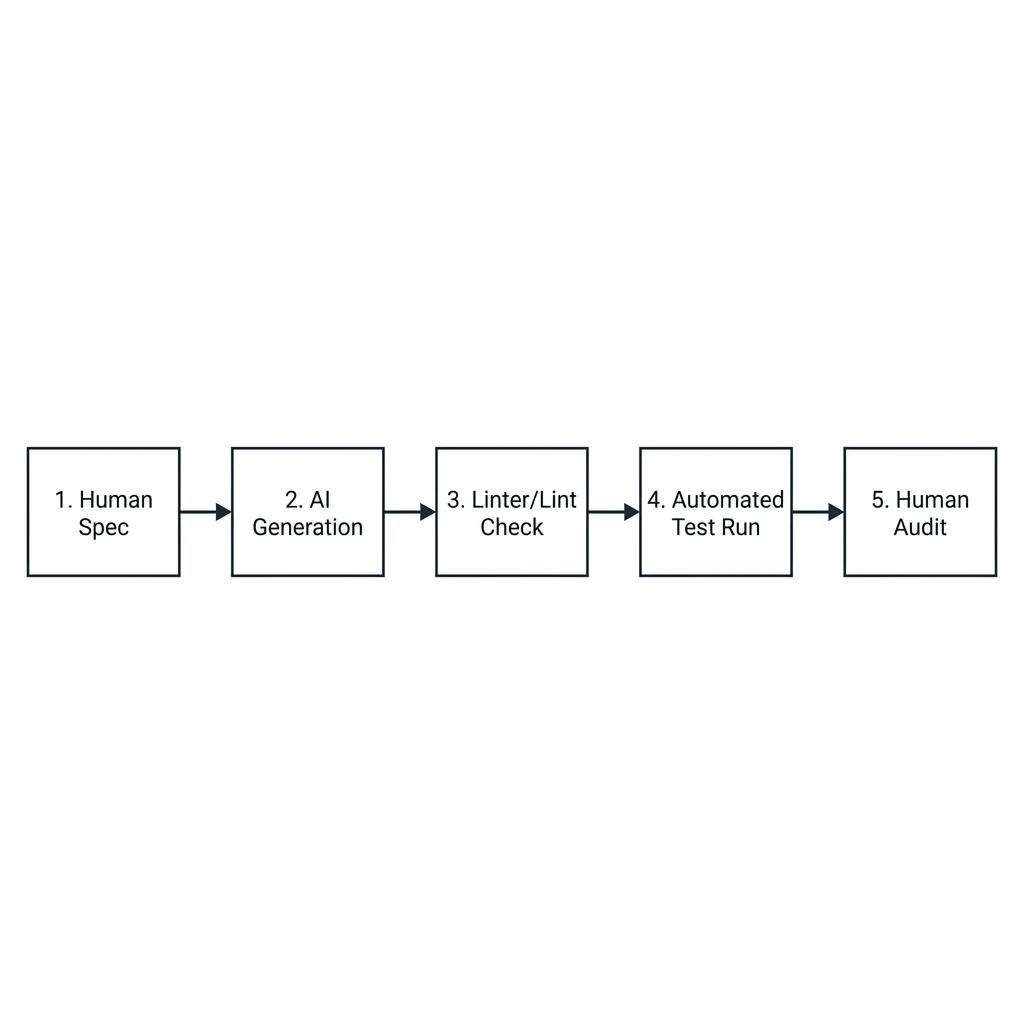
Integrating AI coding assistants into active development cycles without structured context boundary limits leads to style conflicts and code regressions. Establishing strict human-in-the-loop review cycles paired with automated testing ensures high code quality and release consistency.
AI coding assistants like Cursor and GitHub Copilot are changing how developers write code. However, pasting AI-generated blocks directly into a codebase without validation can lead to security vulnerabilities and style conflicts. To use AI tools effectively, you need structured workflows that treat generative code as a draft requiring validation.
1. Managing Context Limits & Prompt Structuring
A common mistake when using AI coding tools is providing the assistant with too much context. When you load a whole codebase into the model, the generated code can conflict with existing styles and introduce bugs. Focus the assistant on a specific task by restricting context to the relevant modules:
// Example instructions file (.cursorrules) to guide the AI assistant
# React Style Rules
- Use TypeScript for all components and utilities.
- Write functional components with explicit prop interfaces.
- Do not import heavy libraries statically; use dynamic imports.
- Maintain semantic markup (h2, h3, articles) to support SEO indexability.
- Always include cleanup return hooks in useLayoutEffect calls.
Using a configuration file like `.cursorrules` provides the AI assistant with project guidelines, keeping the generated code consistent with your project requirements.
2. Human-Supervised Integration Loops
Instead of letting the AI assistant run commands or apply edits directly to your code, structure your workflow around a feedback loop:
AI Assistant Proposes Draft Edits
  └── Human Developer Reviews Code
       ├── REJECT ──> Refine prompt context
       └── ACCEPT
            └── Run Automated Test Suite (Lint & Build checks)
                 ├── FAIL ──> Fix errors in editor
                 └── PASS ──> Commit change to main branch
This workflow keeps the developer in control of the codebase, ensuring that all generated code is reviewed and tested before deployment.
AI Workflow Best Practices
- Provide only the required files to the assistant to stay within context limits.
- Write clear, single-purpose prompts rather than vague, multi-step requests.
- Always run build checks (
npm run build) to confirm generated code compiles correctly.
AI tools can help speed up development, but they don't replace clean coding practices. For a comparison of custom coding vs template-driven setups, see our article, Why Custom Website Code Beats WordPress Page Builders.
We combine modern AI workflows with expert engineering to build high-performance web applications. Learn more about our services on our Custom Website Development Service page, or contact us to discuss your project.