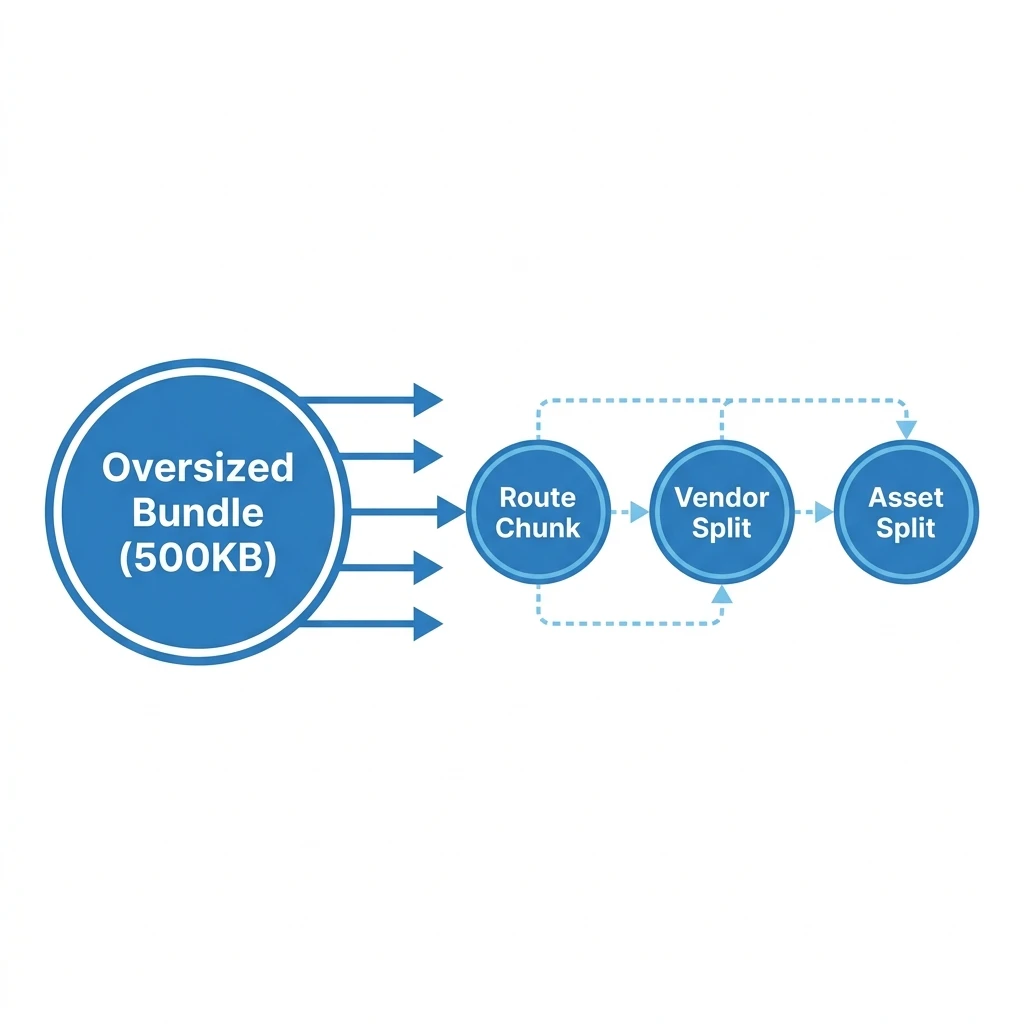
Configuring Vite's build options to target dynamic chunk budgets instead of default single-file compiles can reduce initial JavaScript payloads by up to 60%. Optimizing Rollup output parameters and tree-shaking patterns prevents unused packages from bloating your production bundles.
Vite's development speed relies on native ES modules, but its production build utilizes Rollup to bundle and optimize assets. While Vite provides a clean default config, standard setups often generate large bundle warning flags. We can fix this by tuning Rollup's manual chunking options to split vendor assets and optimize overall load performance.
1. Fine-Tuning Rollup Output Options
Vite exposes Rollup's options directly within the vite.config.ts configuration. By defining a
custom chunking structure, we can organize compiled files into logical modules, ensuring browsers only
download the assets required for the active route:
import { defineConfig } from 'vite';
import react from '@vitejs/plugin-react';

export default defineConfig({
  plugins: [react()],
  build: {
    target: 'es2022', // Target modern browsers for clean code output
    cssCodeSplit: true, // Split CSS assets by route
    sourcemap: false, // Turn off production sourcemaps to save build space
    rollupOptions: {
      output: {
        // Customize asset naming conventions
        entryFileNames: 'assets/js/[name]-[hash].js',
        chunkFileNames: 'assets/js/chunks/[name]-[hash].js',
        assetFileNames: 'assets/[ext]/[name]-[hash].[ext]',

        // Define module chunks manually
        manualChunks(id) {
          if (id.includes('node_modules')) {
            return id.toString().split('node_modules/')[1].split('/')[0].toString();
          }
        }
      }
    }
  }
});
This dynamic manual chunking configuration automatically splits every npm package in
node_modules into a separate javascript file. For large apps, this ensures that updating a single
dependency won't invalidate the browser cache for other libraries, improving returning visitor speeds.
2. Treeshaking and Dead-Code Elimination
Tree-shaking is the process of removing unused exports from your final bundle. To make this work, import only the specific modules you need instead of entire library namespaces. For example, avoid importing heavy layout layouts statically:
// BAD: Imports the entire icon library
import * as Icons from 'react-icons/fa';

// GOOD: Imports only the required icon component
import { FaBeer } from 'react-icons/fa';
Using granular imports allows Rollup to trace your code dependencies accurately, excluding unused code from the final compilation and saving valuable bundle size.
Vite Build Tuning Guidelines
- Minify settings: Use Terser minification for cleaner build output size reduction.
- Target options: Target modern browser standards (like
esnext) to avoid compiling heavy polyfills. - Asset splitting: Ensure CSS code-splitting is enabled to prevent loading layout styles for inactive pages.
3. Monitoring Bundle Health
To identify optimization targets, we recommend installing the rollup-plugin-visualizer plugin,
which generates an interactive map of your final bundle structure. This makes it easy to spot heavy
dependencies and optimize your build pipeline:
import { visualizer } from 'rollup-plugin-visualizer';

export default defineConfig({
  plugins: [
    react(),
    visualizer({
      filename: 'bundle-stats.html',
      open: false
    })
  ]
});
Reviewing these bundle maps regularly helps you maintain strict asset size budgets as your application expands. For a comprehensive performance tuning checklist, see our guide, How to Optimize React Website Performance.
We build optimized web platforms that achieve near-perfect performance scores. Learn more about our optimization services on our Website Speed Optimization Service page, or reach out to our team to request a performance audit.